WEBSITE OWNERSHIP: WHY YOU SHOULD OWN YOUR WEBSITE, NOT RENT IT
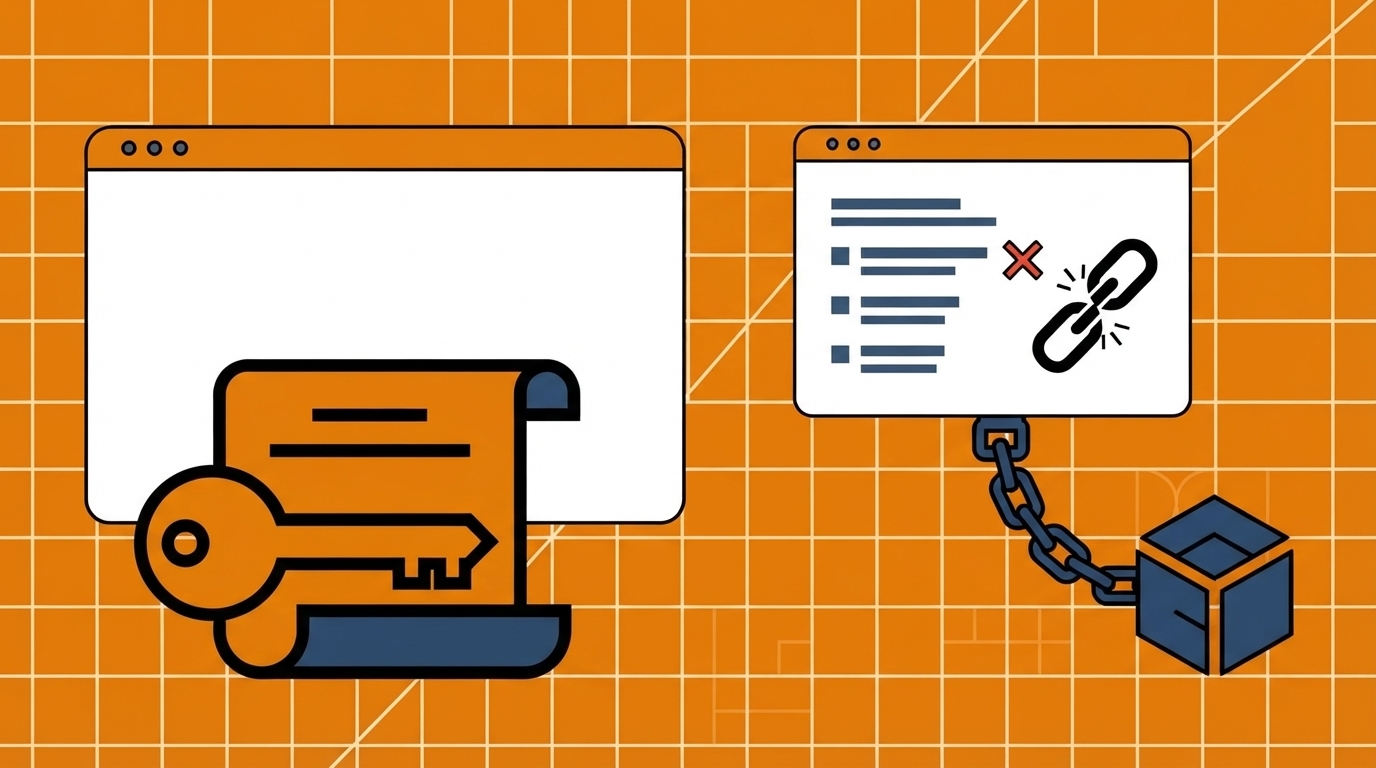
If you built your business site on Wix, Squarespace, or GoDaddy’s builder, ask yourself something most owners never do: if that company disappeared tomorrow, would you still have a website? For most builder users, the honest answer is no — and that single fact changes how you should think about the site your business runs on.
Do You Actually Own Your Website?
The question sounds strange at first. You paid for the plan. You picked the template. You wrote the copy. Of course you own it — right?
Not entirely. What you own on a platform like Wix or Squarespace is narrower than most business owners assume, and the gap between “I pay for this” and “I own this” is exactly where the risk sits.
What “Website Ownership” Actually Means
Real ownership isn’t about who logs in and edits the homepage. It’s about four specific things.
Your Files and Data
Can you download a complete, working copy of your website — code, design, and content — right now, today? On a self-hosted setup, yes. On most builders, no: you get a content export, not the site itself.
Your Domain
Your domain name is usually genuinely yours, registered separately from the platform. That part is rarely the problem.
Your Host
Can you move your site to a different server or provider if you want to? If the answer is “only if I rebuild it,” you don’t control your hosting — the platform does.
Your Design
Can the actual layout, template, and design travel with you to a new provider? This is where builders draw the hardest line, and it’s the one most owners don’t discover until they try to leave.
What You’re Really Doing on Wix or Squarespace
You’re Renting Space on a Closed System
Squarespace’s own support documentation confirms you own your content and your domain name — but the template itself stays with Squarespace as part of their platform, not something that transfers with you. That’s the clearest official confirmation of the “rent vs. own” split: content, yes; the site as you built it, no.
The Free Plan Isn’t Really Free — or Yours
Wix’s free plan looks appealing until you look at what it withholds: no custom domain (you’re stuck on a username.wixsite.com subdomain), mandatory Wix branding on every page, and no ability to sell products or process payments. A “free” site that can’t carry your own domain name or take a payment isn’t really a business asset — it’s a placeholder.
Templates Don’t Travel With You
Neither Wix nor Squarespace lets you switch templates within an existing site. Change your mind about the design, and you’re not editing — you’re starting a new site from scratch and manually rebuilding everything you had.
The Real Cost of Renting Your Website
Ownership isn’t just about control — it’s also about what “renting” actually costs over time, since a subscription never stops.
Squarespace’s Current Pricing
As of this writing, Squarespace’s paid plans run from $19/month (Basic) up to $99/month (Advanced) on annual billing, before any add-ons like email marketing or scheduling.
Wix’s Current Pricing
Wix’s paid plans range from $17.77/month (Light) to $159.77/month (Business Elite), on top of the free tier’s limitations noted above.
Transaction Fees Add Up
Selling products adds another layer: Squarespace charges a 2% online-store transaction fee on its Basic plan (0% on Core and up), while Wix charges 4% on its Core plan, dropping only on its most expensive tier. Every sale you make is quietly taxed by the platform you’re renting from.
The Cost Never Ends
None of this is a one-time cost. Multiply any of those monthly numbers by 36 months and you’re looking at a recurring bill that outlasts most website redesigns — for a product you still don’t fully own at the end of it.
What Happens When You Want to Leave
Exporting Your Content — What You Actually Keep
If you decide to leave Squarespace, their own export tool gives you your content as an XML file — text and structure, largely intact.
What You Lose
What doesn’t come with you: the visual design, the CSS styling, and any script-driven interactive features. Those stay behind, because they belong to the platform, not to you.
Rebuilding From Scratch
In practice, “leaving” a builder means rebuilding your entire site’s look and functionality on whatever comes next — not migrating it. That’s the real cost of platform lock-in, and it’s rarely visible until the day you actually try to leave.
What True Ownership Looks Like With WordPress
You Own Every File
Self-hosted WordPress is released under the GPLv2 open-source license, which grants you the freedom to run, study, modify, and redistribute the software. In practice, that means every file, image, and post on a self-hosted WordPress site is genuinely yours.
You Choose Your Host
Because WordPress isn’t tied to one company’s servers, you can move your site to any hosting provider at any time — no rebuild required, just a migration.
You Control the Design Long-Term
Your theme and customizations move with your files. If you switch hosts five years from now, your site looks and works the same the next morning.
Why 41% of the Web Runs on WordPress
This isn’t a niche choice. WordPress powers 41.2% of all websites globally — more than every other content management system combined. That scale exists precisely because ownership, not lock-in, is the default assumption for how WordPress works.
Custom WordPress vs. a DIY Builder: What Actually Changes
Owning the platform doesn’t mean building it alone. This is exactly where custom-coded WordPress development — not a generic “just use WordPress” recommendation — fits in.
Who Builds It
A DIY builder puts the entire build on you: choosing a template, learning an editor, and troubleshooting it yourself. A custom-coded WordPress build is built for you by developers, hand-coded around your business rather than assembled from a generic template — while still landing on a platform you fully own afterward.
Ongoing Cost Structure
A DIY builder bills you monthly, indefinitely, for as long as the site exists. A fixed-scope custom build — the kind Boostway builds starting at $890 for a 4-page site delivered in 7 days — is a one-time project cost, not an open-ended subscription.
Who Can Still Edit It
The common myth is that owning your platform means needing a developer for every future change. A properly built custom WordPress site stays fully self-editable afterward — you get ownership without giving up day-to-day control.