AODA COMPLIANCE FOR ONTARIO BUSINESSES: WHAT THE DECEMBER 2026 DEADLINE MEANS FOR YOU
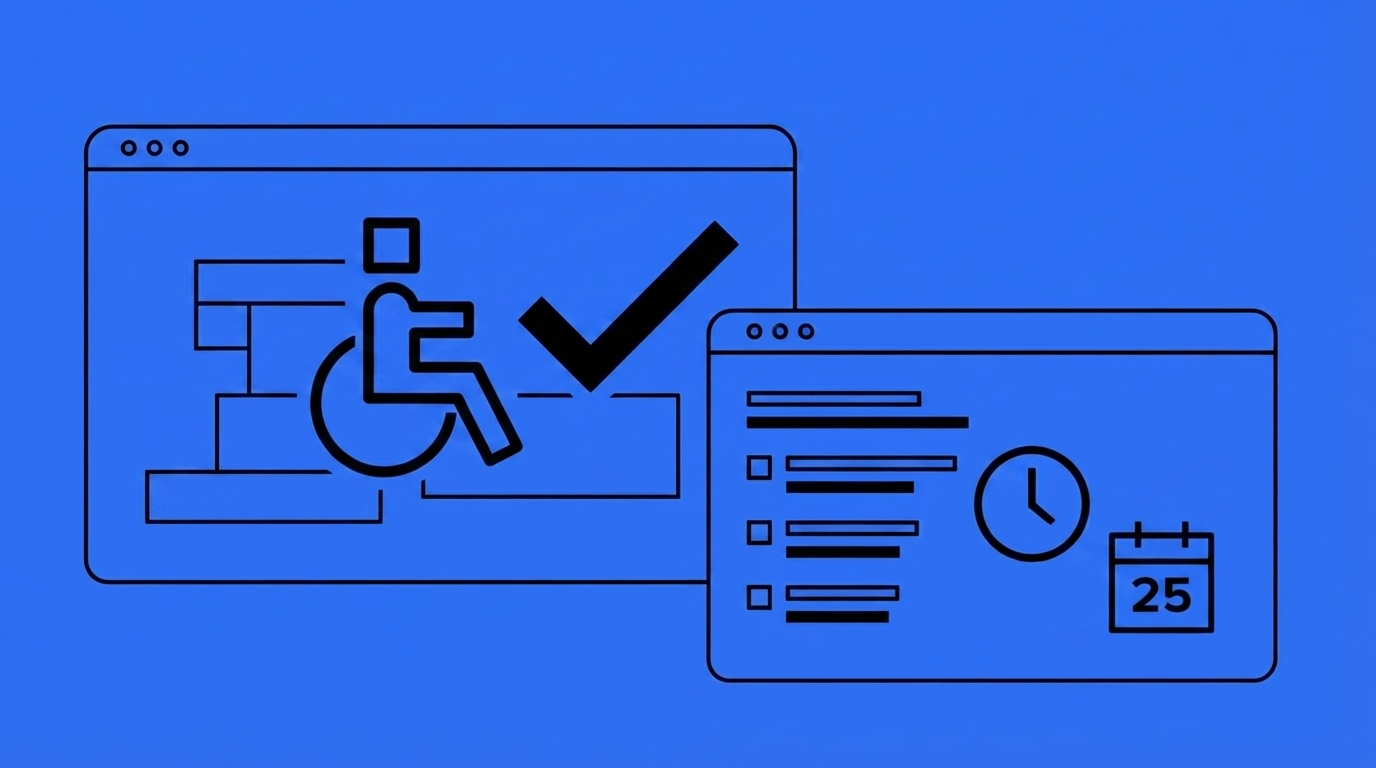
If your business operates in Ontario, AODA compliance isn’t optional, and this year it comes with a hard deadline attached to real money. Under the Accessibility for Ontarians with Disabilities Act (AODA), businesses and non-profits with 20 or more employees must file an accessibility compliance report by December 31, 2026 [1]. Miss it, and you’re not just late on paperwork — you’re exposed to enforcement action that can include daily fines.
This guide breaks down who’s covered, what the deadline actually requires, what non-compliance can cost you, and how to check where your website stands before the year runs out.
What Is AODA Compliance, Exactly?
The AODA is provincial legislation passed in 2005 with the goal of making Ontario fully accessible to people with disabilities. It sets standards across five areas: customer service, information and communications (including websites), employment, transportation, and the design of public spaces.
“Compliance” isn’t a single checkbox — it’s an ongoing obligation that scales with your organization’s size, covering policies, staff training, accessible customer service, and, for larger organizations, formal reporting and website accessibility.
Who Actually Has to Comply?
Coverage depends entirely on headcount, and the rules step up in three tiers.
1–19 Employees
You still fall under the AODA’s basic requirements: accessible customer service practices, staff training, and accessible employment/information practices. You don’t have to file a compliance report, but the underlying obligations still apply [1].
20–49 Employees
This is where filing kicks in. You must file an accessibility compliance report every three years, on top of every basic requirement above [1].
50+ Employees
You must file reports, maintain a documented multi-year accessibility plan, and — critically — make all public-facing websites accessible under WCAG 2.0 Level AA [1].
Who Counts as an “Employee”
Full-time, part-time, seasonal, and contract workers all count toward your headcount for AODA purposes. Only genuinely self-employed businesses with zero employees are exempt. Federally regulated businesses (banks, telecoms, airlines) follow the federal Accessible Canada Act instead of the AODA.
The December 31, 2026 Deadline, Explained
This is the deadline that matters most right now: any Ontario business or non-profit with 20+ employees must file its accessibility compliance report with the province by December 31, 2026 [1][2]. This report is filed every three years, and it’s a legal obligation under the Act, not a recommendation.
Designated public sector organizations had their own filing deadline of December 31, 2025, which has already passed [2] — a reminder that the province is actively enforcing these cycles, not letting them lapse quietly.
Why This Deadline Feels Different This Year
Unlike earlier AODA milestones that were spread across a broader “accessible Ontario by 2025” goal, this filing deadline is specific, dated, and applies directly to the day-to-day compliance report every mid-sized Ontario business now has to submit. There’s no ambiguity about when it’s due.
What Happens If You Miss It
Non-filing triggers a graduated enforcement process, not an automatic fine on January 1st — but each stage carries real consequences.
Step 1: Notice of Non-Compliance
Organizations that fail to file, or file a report showing they haven’t met requirements, can receive a formal Notice of Non-Compliance from the province [2].
Step 2: Director’s Order
If the organization doesn’t correct the issue, the Accessibility Directorate of Ontario can escalate to a Director’s Order requiring corrective action within a set timeframe.
Step 3: Financial Penalties or Prosecution
Continued non-compliance can lead to administrative monetary penalties or prosecution. Under the Act, corporations can face fines of up to $100,000 per day, individuals and unincorporated organizations up to $50,000 per day, and directors/officers can be personally fined up to $50,000 per day [3]. These are per-day figures — they accumulate for every day an organization remains non-compliant.
Does This Apply to Your Website Specifically?
Not every business needs to worry about website accessibility under the AODA — but a lot more do than most owners assume.
The 50-Employee Threshold
Website accessibility requirements under the AODA apply specifically to organizations with 50 or more employees. If you’re under that threshold, your website isn’t legally required to meet WCAG 2.0 AA — though it’s still good practice [1].
What “Accessible” Means Under WCAG 2.0 AA
For organizations that are covered, public-facing websites must conform to WCAG 2.0 Level AA, the internationally recognized accessibility standard. In practice, this covers things like: text alternatives for images, content that doesn’t rely solely on colour to convey meaning, full keyboard navigability, resizable text, and no content that flashes in ways that could trigger seizures.
When the Requirement Kicks In
It’s not just existing sites that need to worry — the requirement applies to any new website (a new web address) and to any significant refresh of an existing site (major changes to look, content, or navigation). A website redesign project is exactly the moment accessibility compliance needs to be part of the scope, not an afterthought bolted on later.
How to Check Where Your Website Stands
Before you commission an audit or start a remediation project, it helps to know roughly where you stand.
Start With an Automated Scan
Automated tools can catch a meaningful chunk of common WCAG issues — missing alt text, poor colour contrast, missing form labels — in about a minute, without needing to hire anyone. Boostway runs a free AODA Compliance Checker that scans your site for exactly these automatically-detectable issues.
Understand What Automated Tools Miss
No automated scanner can fully verify AODA/WCAG compliance on its own. Things like whether alt text is actually meaningful, whether reading order makes logical sense, or whether captions accurately reflect audio all require human judgment. A clean automated scan is a good sign — it is not a compliance certificate. This is exactly why the Accessibility Directorate of Ontario recommends pairing automated scans with manual review by someone who actually understands WCAG.
When to Bring in a Manual Review
If your automated scan comes back with real issues, or if your business is above the 50-employee threshold and you can’t remember the last time anyone reviewed your site for accessibility, that’s the signal to move from a free scan to a proper audit before your next filing cycle.
Building an AODA Compliance Checklist for Your Business
A practical, sequential approach beats trying to fix everything at once.
Step 1: Confirm Your Employee Threshold
Work out which of the three tiers (1–19, 20–49, 50+) your business falls into, counting all full-time, part-time, seasonal, and contract staff.
Step 2: Check Your Filing Status
If you’re at 20+ employees, confirm whether you’ve filed your compliance report for this cycle. If not, the December 31, 2026 deadline is your line in the sand.
Step 3: Run a Website Scan
Use an automated checker to get a baseline read on common issues, especially if you’re above the 50-employee website accessibility threshold.
Step 4: Train Your Team
AODA training for staff, contractors, and volunteers is a separate legal requirement under the Act — not optional, and not something a website fix alone satisfies.
Step 5: Document and Repeat
Keep a record of training completed, issues fixed, and your accessibility policy. Compliance isn’t a one-time project — it’s reviewed on a recurring cycle.
Why This Matters Beyond Avoiding Fines
Roughly 2.6 million Ontarians — about 25% of the province’s population — live with a disability [4]. That’s not a compliance abstraction; it’s a substantial share of your potential customers who may be unable to use a site that isn’t accessible. An inaccessible website isn’t just a legal exposure, it’s lost business from people who simply couldn’t complete a purchase, fill out a form, or find your hours.